A demo should help someone understand the work.
These examples show three ways to connect a product idea to a task. The first uses a working site tool and an actual exported text result. The others are original educational simulations that explain a workflow through interaction.
For each example, look at the starting situation, the evidence the visitor can inspect and the next step. A useful demonstration makes those relationships visible. The examples do not establish vendor performance or customer outcomes.
Turn a task into a production brief.
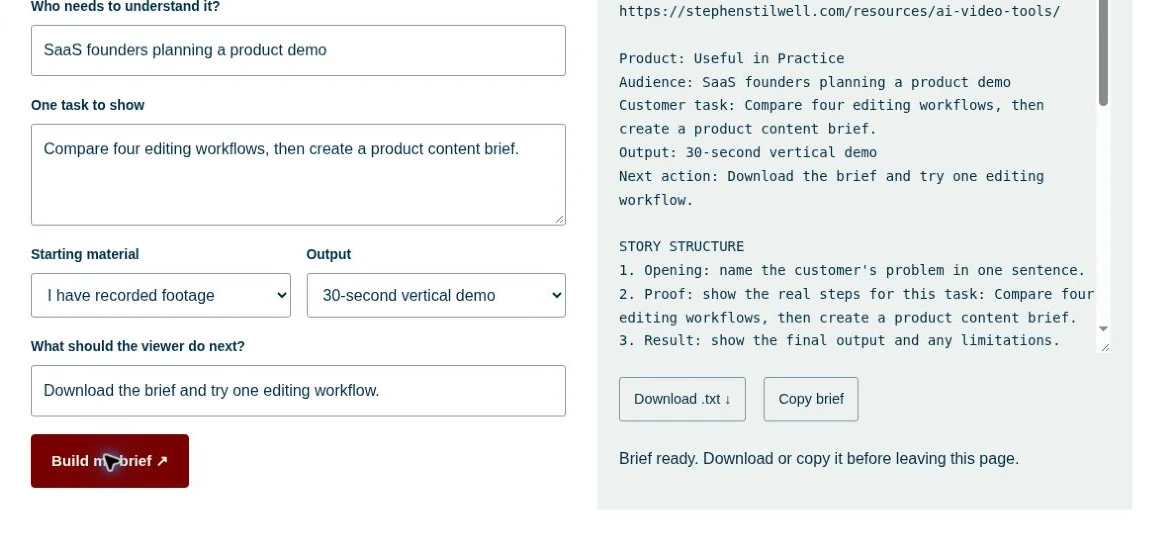
The setup: a SaaS founder has a product to explain but has not decided what the recording needs to show. The planner asks for the audience, one task, starting material, output format and call to action.
The evidence: the generated text retains those inputs and organizes the story, workflow questions and production checks. The captured example uses Useful in Practice as the product and keeps the exact generated result available to inspect.
The storytelling choice: show the input and output together. This makes the transformation visible without claiming the planner has completed the production work.
Give one recording three different openings.
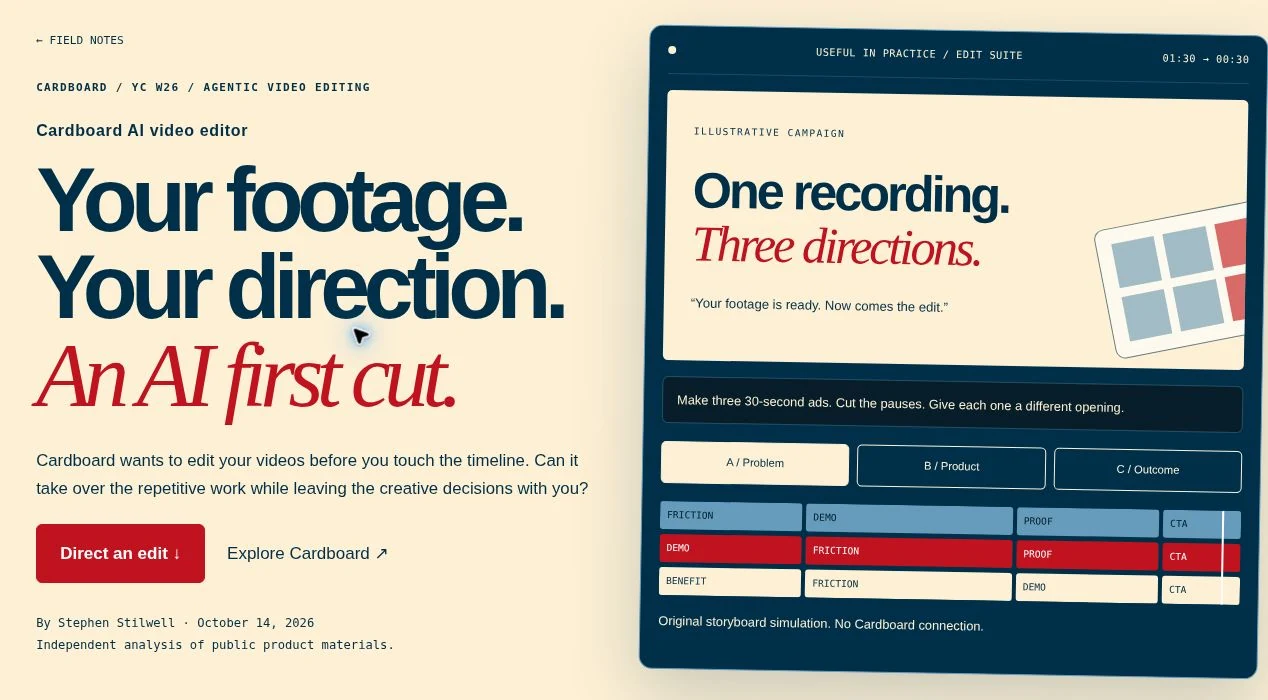
The setup: several ways to introduce the same product footage. The visitor chooses a source scenario and objective, then compares alternative storyboards.
The evidence: the source transcript, scene order and revision choices are inspectable. The simulation illustrates the planning decision; it does not generate footage or prove how a vendor would edit the recording.
The storytelling choice: let the audience compare concrete openings rather than read a general claim about creative flexibility.
Explore the campaign lab ↗Make an unfamiliar category easier to question.
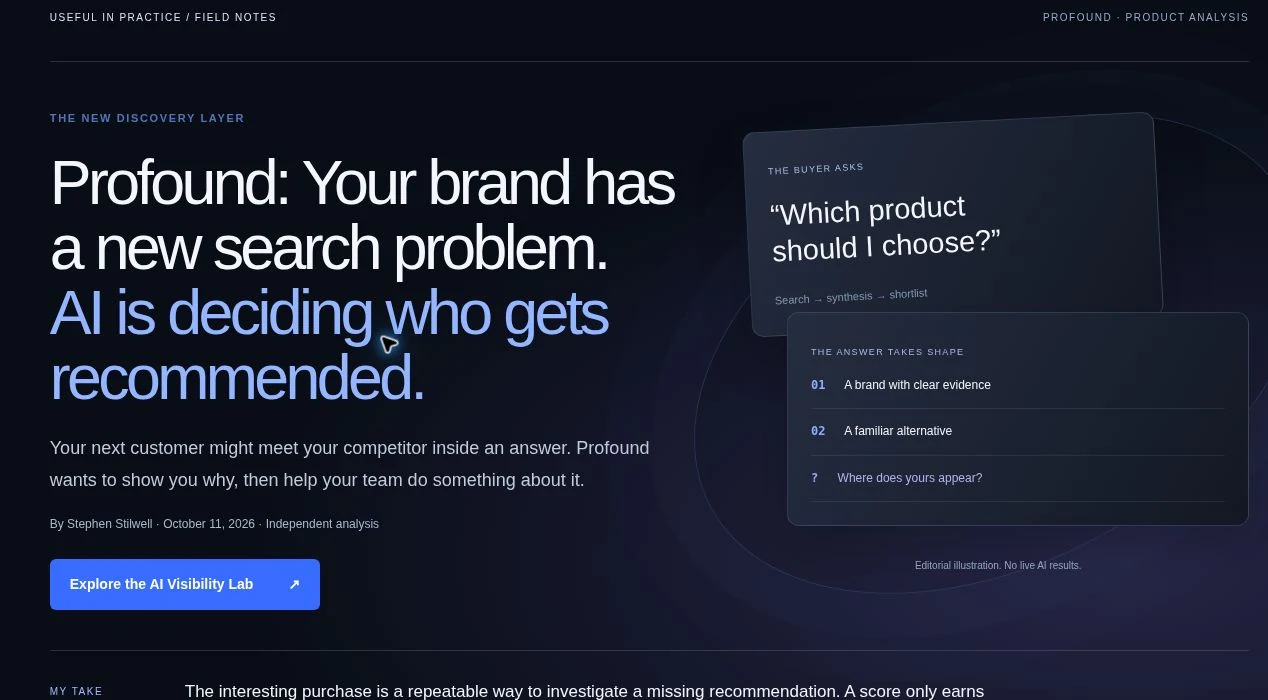
The setup: a reader wants to understand what AI search visibility measures. The lab gives them a fictional company, prompt and response to inspect.
The evidence: within the fictional scenario, readers can distinguish a mention from a citation and examine what a visibility number cannot tell them. It is not a live brand audit or a Profound integration.
The storytelling choice: turn an abstract category into a decision the reader can explore. Keep the simulated evidence distinct from product capabilities and measured business results.
Explore the visibility lab ↗Use the pattern for your own software.
Choose one audience and task. Show the decisive interaction. Keep the source and output connected. End with an action that fits what the viewer now understands.
For a recorded version, use actual product footage and capture the workflow end to end before editing. Use the SaaS demo-script template to align narration with the screen, then prepare a creator brief if someone else will produce it.