PROTON’S PRIVATE AI, NOW CONNECTED
What did you
let the assistant do?
Lumo is Proton’s AI assistant for questions, writing and work with your files. Its new desktop app can reach into your tools. The interesting setting is how far you let it go.
≠PRE-APPROVED
THE NOVEMBER 17 RELEASE
From a chat box
to your working day.
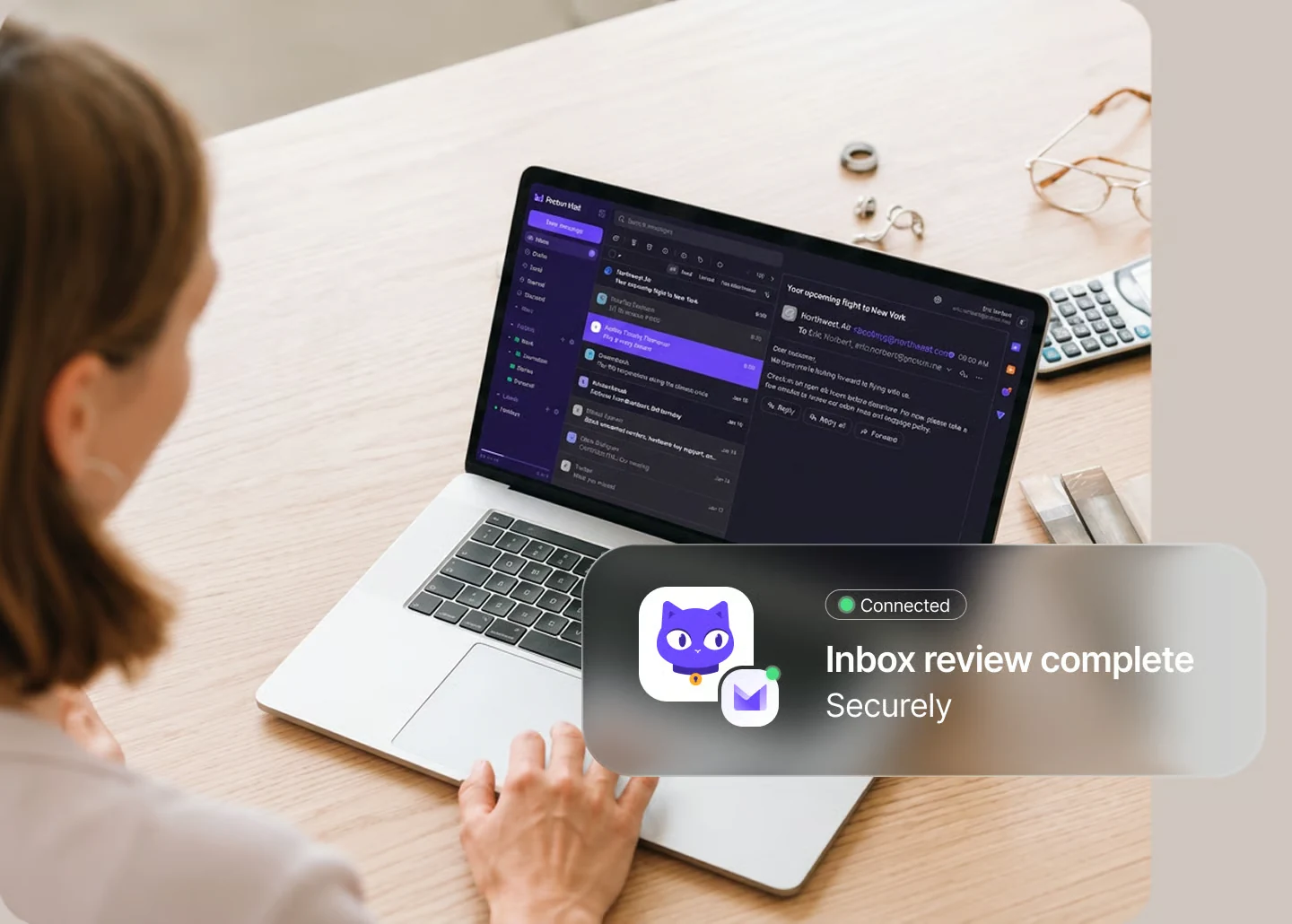
Proton released Lumo Desktop for Windows, macOS and Linux on November 17, alongside Connectors, Schedules and Skills. It gives a consultant or small team a way to combine information scattered across an inbox and documents, then repeat a useful job.
The connections include local files and shell tools, Proton Mail through Bridge, third-party services and custom MCP servers. That makes Lumo more relevant to everyday operations. It also changes the setup from choosing a chat assistant to deciding which actions belong inside a delegated job.
Proton’s setup guide says connector actions start on Auto-approve.
You can change individual actions to Ask human or Deny. Connected tools are also enabled in conversations by default. Review the Functions tab and the conversation’s Tools menu before giving Lumo a real assignment. Connector documentation
A USEFUL FIRST JOB
The Friday client update.
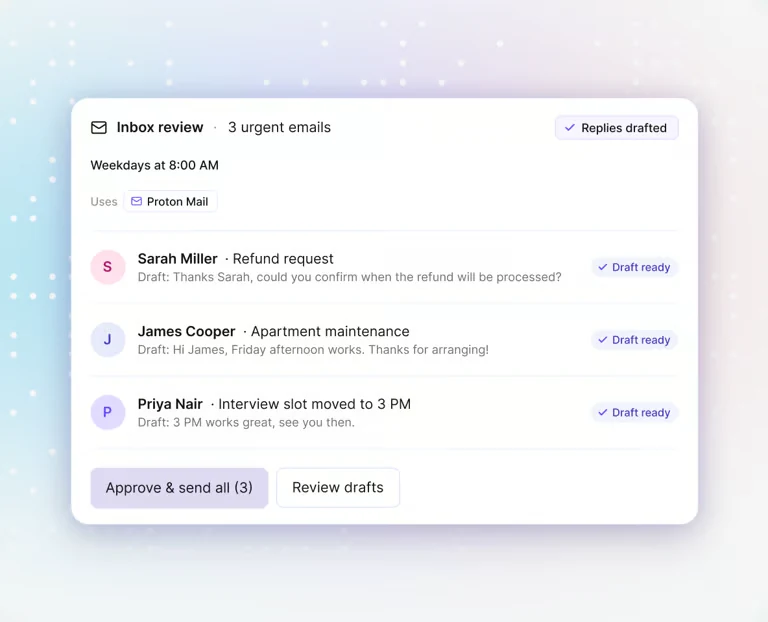
Imagine a designer preparing a status email. The latest client message asks whether a launch can move to Tuesday. An older project document still says Thursday. Lumo could assemble the relevant material and draft an update. The useful result preserves that disagreement.
My first brief would ask for the source of each date, a list of unresolved decisions and a draft addressed to a named client. It would leave sending to me. A polished email that quietly turns a request into a commitment would fail this trial.
AN EDITORIAL PLANNING TOOL
Draw the line
before the run.
Change the permissions for this fictional client-update job. The plan updates below. These are action categories for thinking through a trial, not Lumo function names or a connection to your account. Nothing is read, sent or saved.
YOUR PROPOSED POLICY
Prepare, then pause.
Sources and draft can proceed. Sending needs your approval. Source deletion is blocked.
- Read project sources: automatic
- Create an email draft: automatic
- Send the client update: approval required
- Delete source messages: blocked
An action marked automatic still needs to be supported by the real connector and authorized in the actual app. This plan assumes each action is attempted independently; it does not execute a workflow.
WHAT MAKES IT REPEATABLE
A method you keep.
A run you inspect.
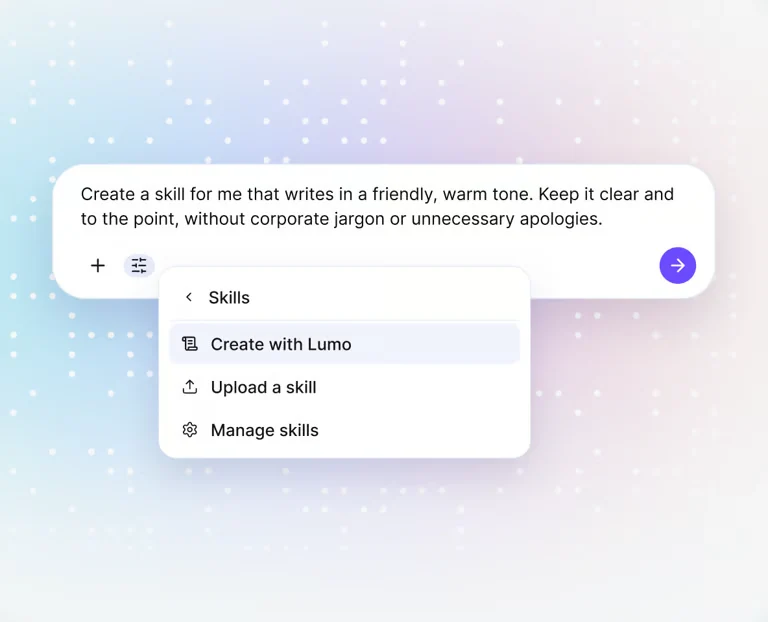
Lumo’s Skills documentation describes reusable instructions in a SKILL.md file, with optional templates and reference files. Skills can be invoked explicitly or selected when relevant. For the client update, I’d save the rule “show disagreements; do not resolve them by guessing” alongside the email format.
A Skill can make the method portable across chats. It cannot establish that this week’s sources are complete. An absent client message should produce a gap in the report, not the same confident email as last Friday.
Scheduling adds another dependency.
Schedules have their own instructions, connectors and permissions. Proton documents a Run now option for testing a task before relying on its timing. I would use it with sample correspondence, then remove one input and inspect the next result.
The cited documentation does not settle what happens to this job when the computer is asleep, Bridge is disconnected or an approval waits overnight. Those are open trial questions. A schedule on a screen is insufficient evidence that a client update will be ready when needed.
THREE DIFFERENT QUESTIONS
“Private” needs a little unpacking.
Who can read the history?
Proton says saved conversations use zero-access encryption and that Lumo does not use chats to train models. Its security model distinguishes storage protection from processing: the LLM server decrypts a request to answer it. This is not an entirely on-device assistant.
What can the job reach?
A folder of project files and a whole work account carry different exposure. Ask whether the real connector can express the scope you need. A sentence in a prompt is a weaker boundary than an enforced restriction on accessible data.
What can change?
Reading a launch date, saving a draft and committing that date to a client are separate decisions. An approval should arrive with enough context to assess the actual change. Otherwise it turns the human into a button click.
Original explanatory comparison. Privacy statements above are Proton’s documented design, not an independent security audit. Access and action recommendations are editorial analysis.
THE USEFUL IN PRACTICE TAKE
Start with a draft
you can check.
Lumo Desktop is worth investigating for people who want AI help with work documents and prefer Proton’s approach to chat privacy. The new release’s value is the combination: connected sources, a reusable method and repeatable tasks.
The tradeoff is setup and supervision. Existing Proton Mail users still need the Bridge connection; everyone needs to inspect actual permissions and test failure states. If you only need occasional writing help, connecting your apps may add little value. If you need unattended delivery while a laptop is offline, verify that requirement before choosing it.
For a first decision, compare one accepted client-update draft against your manual process. Count time spent finding sources and correcting commitments. Keep Lumo if the total work falls and the evidence remains inspectable. Leave outbound approval in place until you have a reason to change it.
Official downloads · Check current plans
No paid use or performance benchmark was conducted for this note. Product links are direct; no affiliate relationship.
SOURCES & REVIEW METHOD
The evidence,
dated.
Published November 18, 2026. All sources accessed on that date. This note analyzes public documentation and official product media. Examples and the permission desk are original editorial teaching aids, not observed Lumo runs.
- Proton: Lumo Desktop launch, November 17, 2026.
- Connector setup and default permissions, undated support documentation.
- Schedules, permissions and Run now, undated support documentation.
- Skills and reusable instructions, undated support documentation.
- Privacy and security model, August 4, 2025.
- Official product illustrations, current product page. Images © Proton, locally optimized for this analysis.