A SHORTER CUT SHOULD STILL SHOW THE PRODUCT
Make it move.
Keep it true.
VEED AI turns footage, a product page or an idea into a short social video. Its new editing agent can handle the assembly. Your harder job is keeping a product demonstration distinct from the scenes that merely make it feel convincing.
THE NOVEMBER 19 RELEASE
A video brief
becomes an edit.
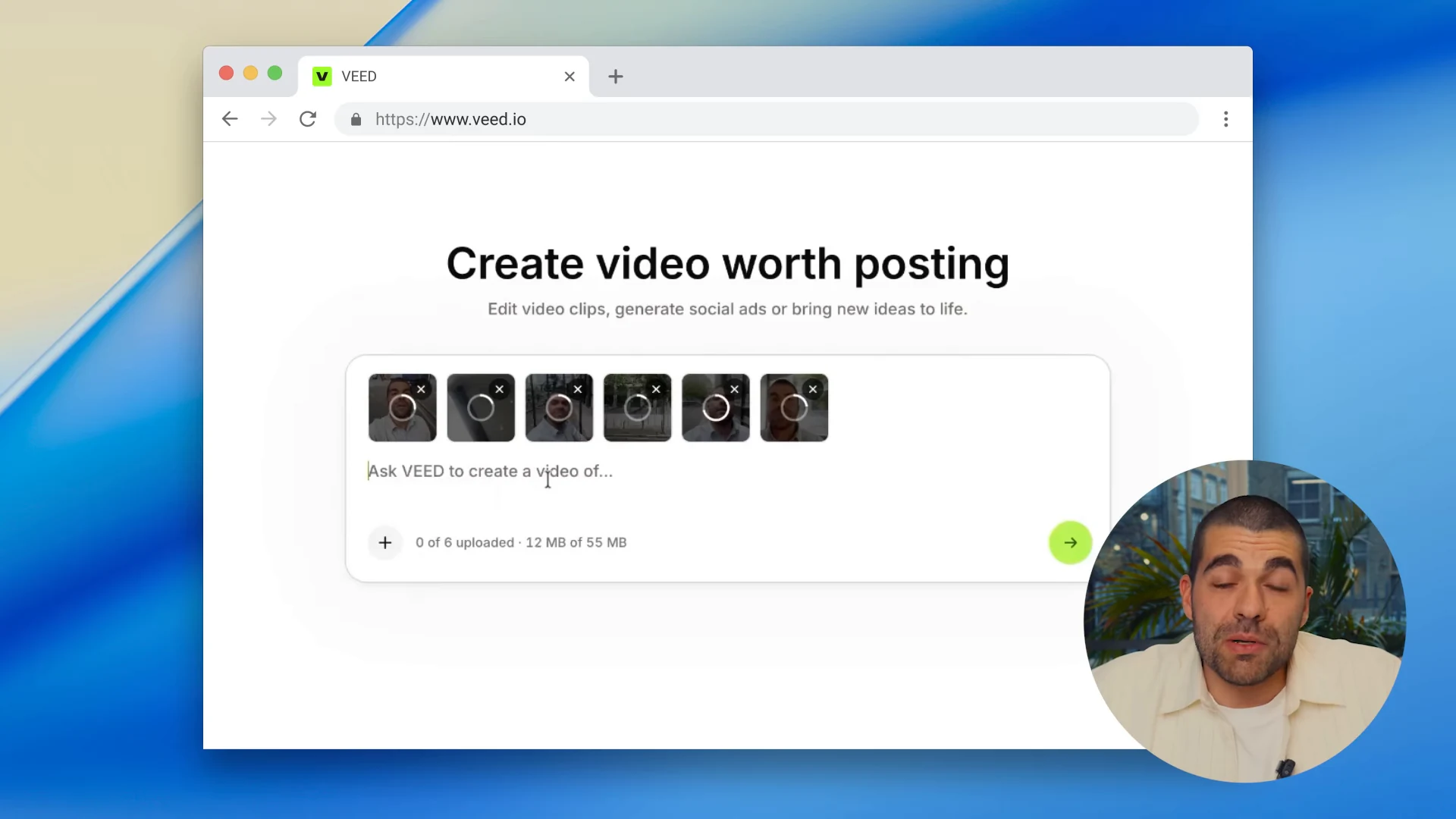
VEED launched VEED AI on November 19. Its agent takes uploaded media, a website URL or an idea and makes short-form social video. The company describes cuts, multilingual captions, branding and end cards, with further changes requested through follow-up prompts.
The audience is clear: founders and marketers with something to explain, some source material and little room for a full editing workflow. A product-page URL lowers the starting effort even further. It also changes what the editor is working from: a page describes the product; it does not necessarily show the product doing the job.
That is the interesting boundary in this release. If an agent can fill gaps with generated scenes, the briefing needs to say which gaps are creative opportunities and which require real evidence.
CHECK ACCESS BEFORE PLANNING THE JOB
The launch is live.
Free entry had a queue.
On November 21, the public VEED AI page said free spots were taken and offered a waitlist or a Pro upgrade. That is the access state observed in this browser, not a universal account entitlement. No account was created or upgraded for this note. Check your actual access before assigning a deadline.
THE PRODUCT IN VIEW
The prompt is visible.
The proof needs a place.
The official demonstration shows media being supplied, then a follow-up instruction requesting a change to a detail. It makes the conversational editing approach concrete. It does not establish that every revision preserves the accuracy of a product demonstration.
Our Yarn note examined turning a product into a video story. Our Pexo note looked at directing revisions. VEED’s November launch adds a useful new question: when source footage and generated material share one short edit, can the viewer still tell which scene demonstrates the claim?
AN ORIGINAL EDITORIAL EXAMPLE
What does
this scene prove?
Imagine a fictional scheduling app called Harbor. You want a short launch video about moving an appointment. Choose a scene type below to see the claim it can reasonably carry. These fixed examples are a teaching aid, not a VEED interface or live integration.
ILLUSTRATIVE SCENE CARD
An appointment moves on screen.
Source: a recorded Harbor test account, with invented customer information.
Possible caption: “Move an appointment to another available time.”
THE EDITORIAL DECISION
Keep the action and result together.
A close crop of the click can remove the changed appointment. The edit may look faster while showing less of the feature.
Inspect the final frame and enough surrounding interface to establish what changed. Keep the caption within what this recording demonstrates.
A scene can explain.
It cannot supply a missing test.
A founder talking to camera can explain why an appointment change matters. A real screen recording can show the change. A generated office scene can make the story feel familiar. Those contributions differ even when the same voiceover runs across them.
The risky edit uses the emotional certainty of one scene to cover the missing evidence in another. A smiling person beside “customers save hours” does not establish that saving. The remedy is a better claim or a real test, rather than a more persuasive picture.
A FIRST CUT WORTH ASSESSING
Brief the evidence
before the style.
For a first trial, supply a short product recording with a visible result and a plain explanation of what it shows. Ask for a social edit that keeps that sequence intact. Name any scenes that may be illustrative, and prohibit invented interface states or customer endorsements.
A product-page URL can provide positioning and the call to action. Treat it as written source material. If a claim on that page needs demonstration, include the footage that actually supports it instead of expecting the editor to manufacture proof.
A PROPOSED REQUEST / ADAPT TO YOUR FOOTAGE
“Make a short launch video using the supplied recording. Keep the appointment change and its visible result together. Use the product page for the description and call to action. Generated scenes may illustrate the setting, but must not imitate our interface, imply customer results or act as testimonials. Preserve the meaning of the spoken explanation and flag unsupported claims.”
Review the exported story.
Use these four checks on your own export. Selections stay in this page only; completion is a reminder, not an automatic quality verdict.
0 of 4 checks reviewed.
Download the proof-first trial worksheet
VEED’s creation guide lists several export aspect ratios and says HDR footage is converted to SDR on upload. Check the output you intend to publish. A good landscape review cannot tell you whether a vertical crop removed the confirmation state, and an original HDR asset cannot establish how its colors survive the final export.
THE USEFUL IN PRACTICE TAKE
Let the agent assemble.
Keep the claim yours.
VEED AI is worth investigating when the production burden is turning existing material into a coherent short video. Its combination of source inputs and conversational edits could make that work more approachable. No speed or quality improvement was measured here.
The tradeoff is that visual fluency can hide a weak explanation. Brand colors and a polished end card do not establish that a feature worked. Judge the first cut by whether it carries a defensible product claim, then assess whether the editing effort fell.
If you already have clear recordings, start with those. If you have only a product page, decide whether you need an illustrative ad or a demonstration, because those are different briefs. For precise editing requirements, test them on a small cut before relying on an agent-led workflow. And while entry is capacity-limited, keep a workable alternative for a deadline.
SOURCES & REVIEW METHOD
The evidence,
dated.
Published November 21, 2026. Sources accessed that date. The article combines official documentation with a direct observation of the public access screen. Demonstration frames are vendor media; the scene lab and proposed trial are original editorial explanations.
- VEED AI launch announcement, November 19, 2026. New agent, inputs and editing approach.
- VEED changelog, November 19 entry. Distinguishes the new social-video agent from earlier tools.
- VEED AI creation guide, current documentation. Inputs, aspect ratios and HDR conversion.
- VEED AI public product page, observed November 21. Waitlist/upgrade access state and official demonstration. Video creation date not established.