Leave room
for the next line.
Suno Bridge adds generated instrument and vocal parts to an open Ableton Live arrangement. The new Mac beta makes it easier to hear a take in context. The real test comes when the music has to give way to something else.
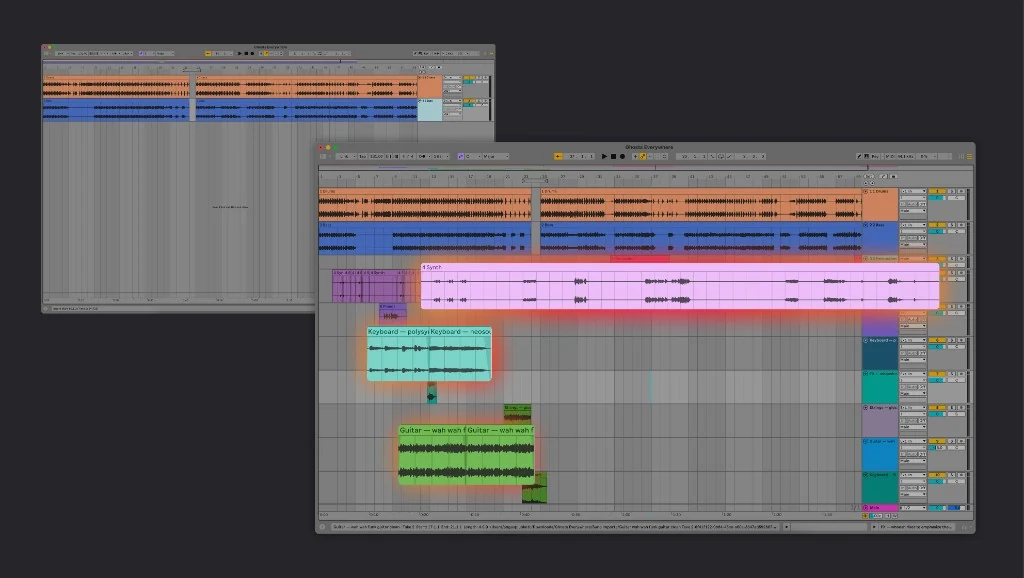
The arrangement
Start with the gap
you need to fill.
Say you edit a founder’s launch video in Ableton. The opening has a sparse beat. An electric piano would help the product reveal land, but the founder speaks again a few bars later. You want a part that fits the chords and clears the narration. A standalone song preview tells you very little about either.
Suno introduced Bridge on November 13 as a Mac app that runs alongside Ableton Live 12. You mark a region in Live, pick an instrument in Bridge, and describe the part. Suno says Bridge analyzes the project and places the result on the selected Live audio track. That gives you a regular audio clip you can trim, warp, or send through your existing effects.
The useful change from working in Suno Studio is where you audition the take. With Bridge, the narration, music and edits can already be on the Ableton timeline. You can loop across the transition and decide in the mix. The generated performance is audio, so if a note clashes with the bass, budget for an edit, another take, or playing the part yourself.
Listening room
Hear where
the music ends.
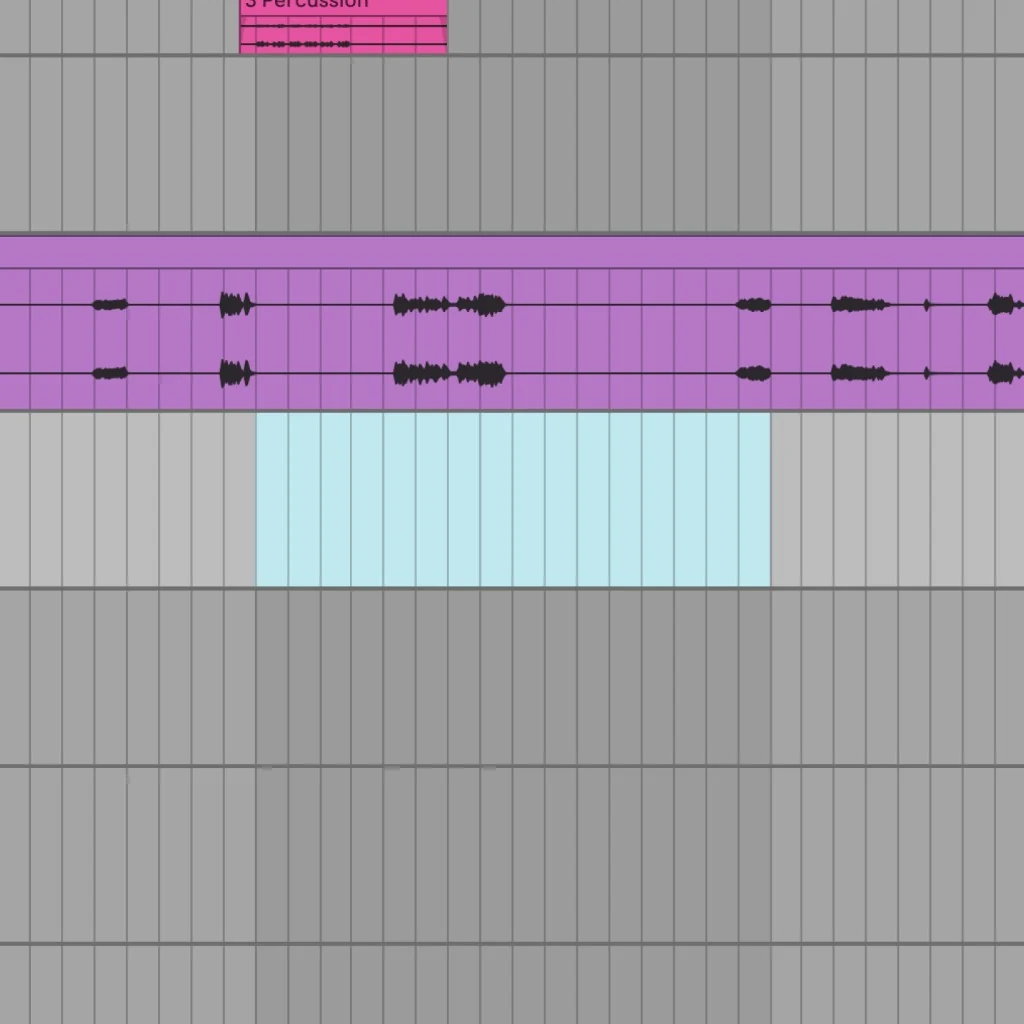
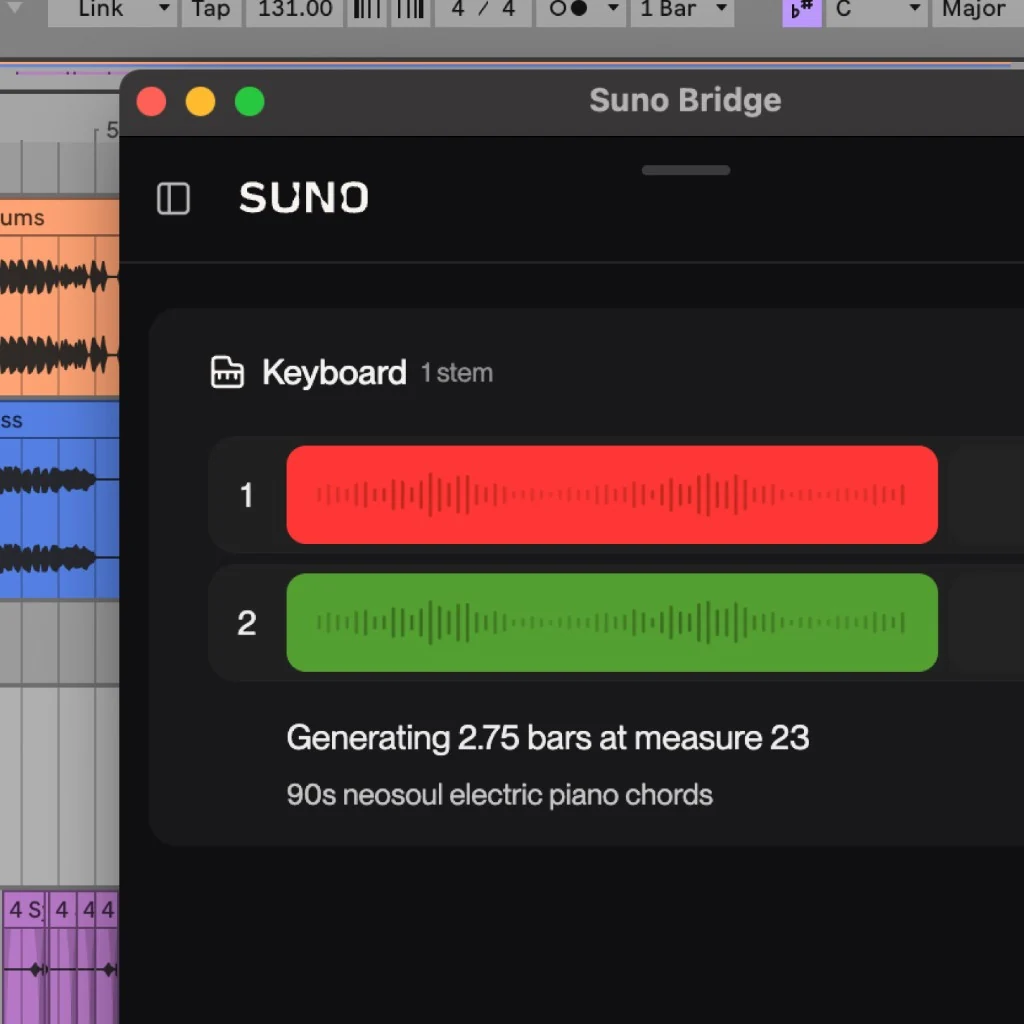
Both samples use the same notes and the same cue at four seconds. The second part rings longer. Play one at a time and listen for how clearly the cue comes through.
Original audio illustration made for this article. The double tone stands in for the first line of narration. These are synthesized teaching samples.
Illustrated timing. The two strips show the shorter and longer tails.
Short tail
The keys fall back before the cue.
Open short-tail audioLong tail
The same keys are still ringing over the cue.
Open long-tail audioWhat I’d listen for in the real session
Solo each take once to catch a sour note, then play the last bar and first spoken words together. The take that sounds richer on its own may call for extra fades, a shorter clip, or a sparser arrangement. Compare against a part you can make with an instrument you already have. Count the edits that make either version usable.
The handoff
Know what leaves
your project.
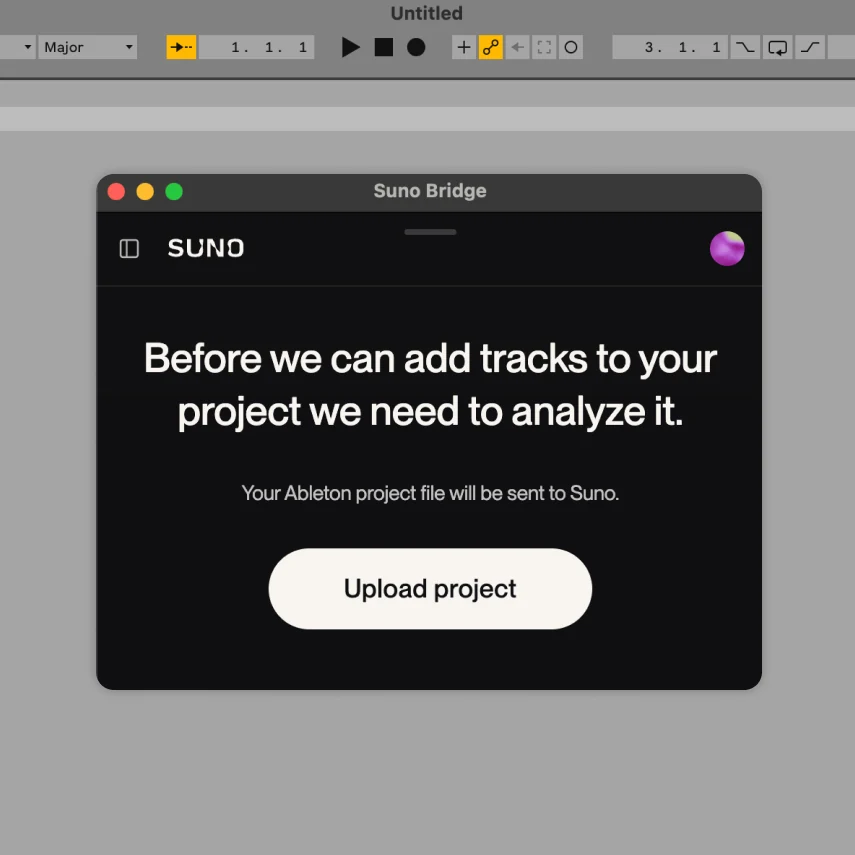
The loop determines where you ask for music. It does not define what gets uploaded. Suno’s setup guide says Bridge uploads the selected Live project and its audio files to your Suno account. If the launch edit contains an unreleased voiceover or client stems, make a separate pilot project with audio you have permission to send. Use a scratch performance or a tone to mark the narration while keeping the working files out of that pilot.
This is a sensible experiment for producers already on a Mac with Live 12 and Suno Premier. Suno documents a charge of 10 credits per generation. The guide also says automatic insertion is on by default and can be switched off. Start on a separate audio track, label takes as they come in, and keep only the one that earns its place in the arrangement.
Before you send the edit
Can the next editor open the take?
If you keep a clip, use Ableton’s Collect All and Save to gather referenced audio. Check the handoff from the collected project and listen against picture before calling it done. Keep track of which audio you supplied and which part came from Bridge. Review Suno’s paid-plan commercial-use terms and confirm the permissions for your source recordings separately.
My call. Try Bridge for targeted fills when you already work in Live and can share the session safely. For a part that needs precise voicing or an edit that must stay local, your own instruments are a better baseline. If the job starts from a finished picture and needs a whole cue timed to visual beats, see the Taan Field Note for that workflow.
Sources and method
What I checked
This analysis uses vendor documentation and official product images. I did not run the Bridge beta in Ableton. The listening exercise demonstrates a mix decision independently of the product.
- Suno Bridge announcement · November 13, 2026
- Suno setup, credits and file handling · November 13, 2026 update
- Suno Bridge product guide and imagery · checked November 15, 2026
- Ableton’s project collection guide · checked November 15, 2026
- Suno’s paid subscription rights explainer · September 3, 2026 update