ONE APP. TWO PLACES THE CODE CAN RUN.
Mistral Vibe Desktop.
Can you replay the fix?
Mistral’s new Vibe Desktop puts local and cloud coding sessions in one app. For a founder maintaining a real website, its most useful promise is a shorter path from an agent’s edit to a change another person can reproduce.
THE NOVEMBER 17 RELEASE
Bring the conversation
beside the evidence.
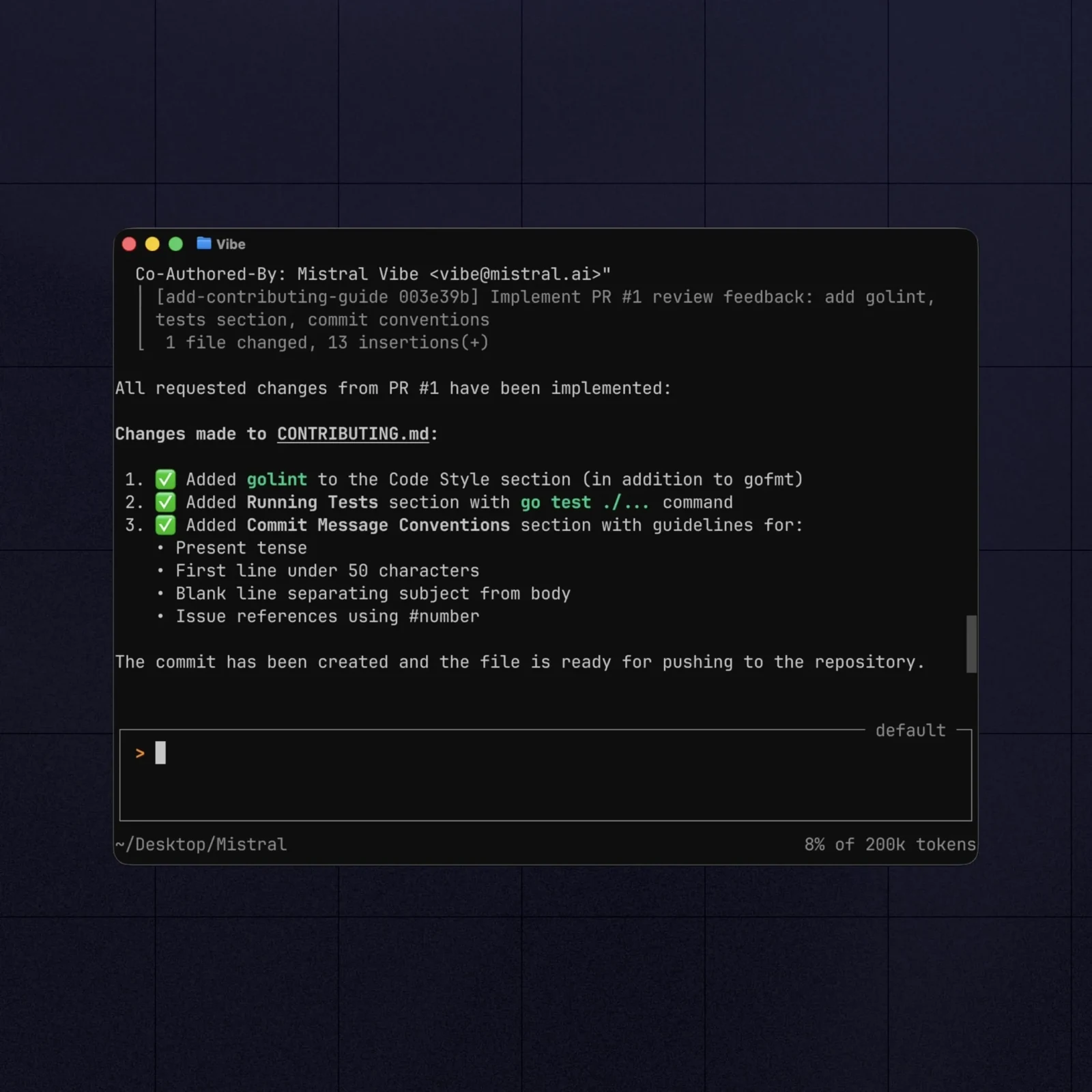
Mistral’s November 17 release notes introduce Vibe Desktop: Work, local coding and cloud coding together on macOS and Windows. The release includes file inspection, Git diffs, background commands and an integrated browser. Linux support is described as coming soon.
The audience is someone who wants an agent to work on a repository while keeping the actual changes close enough to inspect. A small team can discuss a failing behavior, follow the investigation and examine the resulting files within the same application.
The important distinction is where that investigation happens. Desktop can work against your machine or a managed cloud sandbox. Those environments can begin with different files and services. A convincing completion message from one is not evidence that the other can run the result.
LOCAL SESSION
Your machine supplies the context.
Files, shell, services and dependencies can make a task possible and leave hidden conditions behind.
CLOUD SESSION
A sandbox supplies the context.
A repository-based task needs its inputs declared. A fresh environment can expose what the local setup concealed.
THE CLI RELATIONSHIP, PRECISELY
A shared engine
is not an identical setup.
The Desktop overview says local sessions share Vibe CLI’s core agent engine and session logs. Desktop does not launch or embed the CLI, and needs no separate CLI installation. Tools, implementations and prompts can differ. Do not assume a working CLI configuration proves that a Desktop session has the same setup.
THE GAP BETWEEN CODE AND BEHAVIOR
The diff can travel.
Can the test?
Imagine a fictional founder’s website with a customer-story filter. The requested change is simple: selecting “Retail” should show a retail case study and hide unrelated cards. On the founder’s machine, an untracked sample file supplies the stories. A fresh checkout has no such file.
An agent could change the filter correctly and still leave the reviewer unable to see any cards. The failure is useful information about the project’s reproducibility. Treating an empty page as a finished demonstration would hide it.
AN ORIGINAL EDITORIAL LAB
Follow the same edit
through three contexts.
Choose a context for the fictional filter change. Each card asks what would make the result reviewable. These are fixed teaching examples, not Vibe output, a running terminal or a connected repository. The lab executes no code.
FICTIONAL WEBSITE / STORY FILTER
The stories exist only on this machine.
Setup: an untracked local fixture supplies a retail story and an unrelated software story.
The founder can see the filter work. Another checkout may not have the data needed to demonstrate it.
WHAT WOULD MAKE THE CHANGE REPRODUCIBLE?
Name the hidden input.
A passing local check may depend on a file that will never reach the reviewer.
Record the fixture path and replace private customer content with a small shareable example. Keep the expected result with the test instructions.
Local is a context.
Cloud is another.
The cloud coding guide describes managed sandboxes and repository-based tasks that can run without local files, services or secrets. That makes cloud work attractive when the project is self-contained. It also makes an undeclared local dependency a poor fit until you provide a reproducible substitute.
My choice would follow the evidence needed for the task. Start locally when the relevant behavior depends on a local service. Use a fresh environment to expose missing setup when the goal is a change someone else can review. Neither location automatically validates the result.
A SMALL FIRST ASSIGNMENT
Fix the filter.
Deliver the recipe.
Ask Vibe to reproduce one visible problem before changing it. For this fictional site, supply two clearly different story records and the expected selection behavior. A useful check observes both what stays and what disappears. A screenshot of the selected button alone proves neither.
Keep the first task narrow enough to inspect. Mistral’s first-task guide starts with a verifiable failure, actual error output and the project’s command. My proposed website trial adds the data fixture and a second-person replay because a rendered interaction depends on more than source code.
A PROPOSED BRIEF / ADAPT TO YOUR PROJECT
“Reproduce the story-filter failure using a small shareable fixture. Show which story should remain after selecting Retail and which should disappear. Make the smallest relevant fix. Report the checkout and branch, required setup, commands and actual results. Explain any check that could not run. Leave the change for review with instructions another person can repeat.”
The handoff should carry its conditions.
This review aid records your judgment. It is not an automated assessment or a Vibe integration.
0 of 4 checks reviewed.
Download the reproduction trial worksheet
Desktop’s inspection guide says panels belong to the selected conversation. Check that context before trusting a terminal result. It also distinguishes a running background process from the conversation’s progress: inspect the process output rather than assume a build finished.
If parallel work becomes useful, Mistral documents worktrees for separate working files. Separate conversations alone do not isolate edits; worktrees also do not magically separate ports, services or dependencies. Add parallelism after the first change has a reproducible check.
THE USEFUL IN PRACTICE TAKE
Reviewable work
beats a reassuring summary.
Vibe Desktop is worth a focused evaluation if you want local and remote coding work, inspection and conversation together. Its distinctive value is the review surface around the agent: files, commands and diffs close to the task. This note establishes no measured speed or correctness advantage.
The review documentation supports inspecting the diff, command output and expected behavior before delivery. Unified and Split views help read changes; a pull request status is a review signal, not proof that the behavior works.
The practical tradeoff is setup ownership. Local sessions can inherit useful context but conceal a dependency. Cloud sessions can expose that gap but cannot demonstrate behavior that requires an unavailable input. Budget for the work of making a project testable wherever you expect the next reviewer to run it.
Before installing, check current platform access on the official product page. Its platform menu offered macOS and Windows links when inspected on November 23; Linux was marked coming soon. No installer, account entitlement or paid plan was tested here.
Keep Vibe if the next person can understand the change and repeat the important check with less detective work. If all you receive is a persuasive summary and a mystery environment, the handoff is unfinished.
For a different execution boundary, the earlier Gemini on Mac Field Note examines computer use around an existing desktop workflow. Vibe’s new release is specifically a repository coding and review environment; its proposed trial should follow the code and setup together.
SOURCES & METHOD
The evidence,
dated.
Published November 23, 2026. Sources accessed that date. Product descriptions come from public primary sources; the website example, lab and worksheet are original proposed evaluations. Official graphics illustrate Vibe broadly, not observed Desktop behavior.
- Mistral release notes, November 17, 2026: Desktop launch.
- Desktop overview, current, undated: environments and CLI distinction.
- First coding task and review changes, current, undated.
- Inspect work and parallel tasks, current, undated.
- Cloud coding guide, current, undated.
- Vibe product page, current, undated: official graphic provenance and platform links.