Does the offer survive the resize?
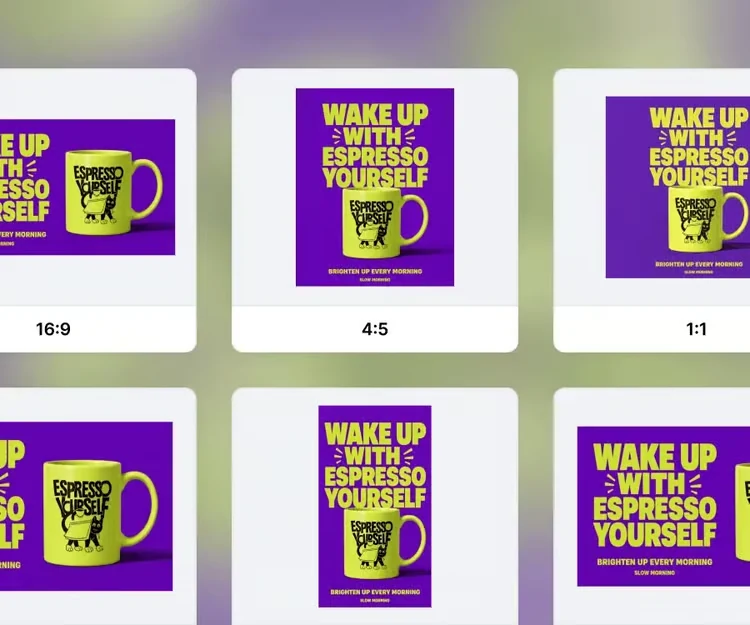
Kittl’s new Marketing Studio adapts example ads to your product photo and brand. It can also make new sizes from an approved design. That saves a layout step, but someone still needs to read the ad at the size a customer will see.
Try the campaign proof ↓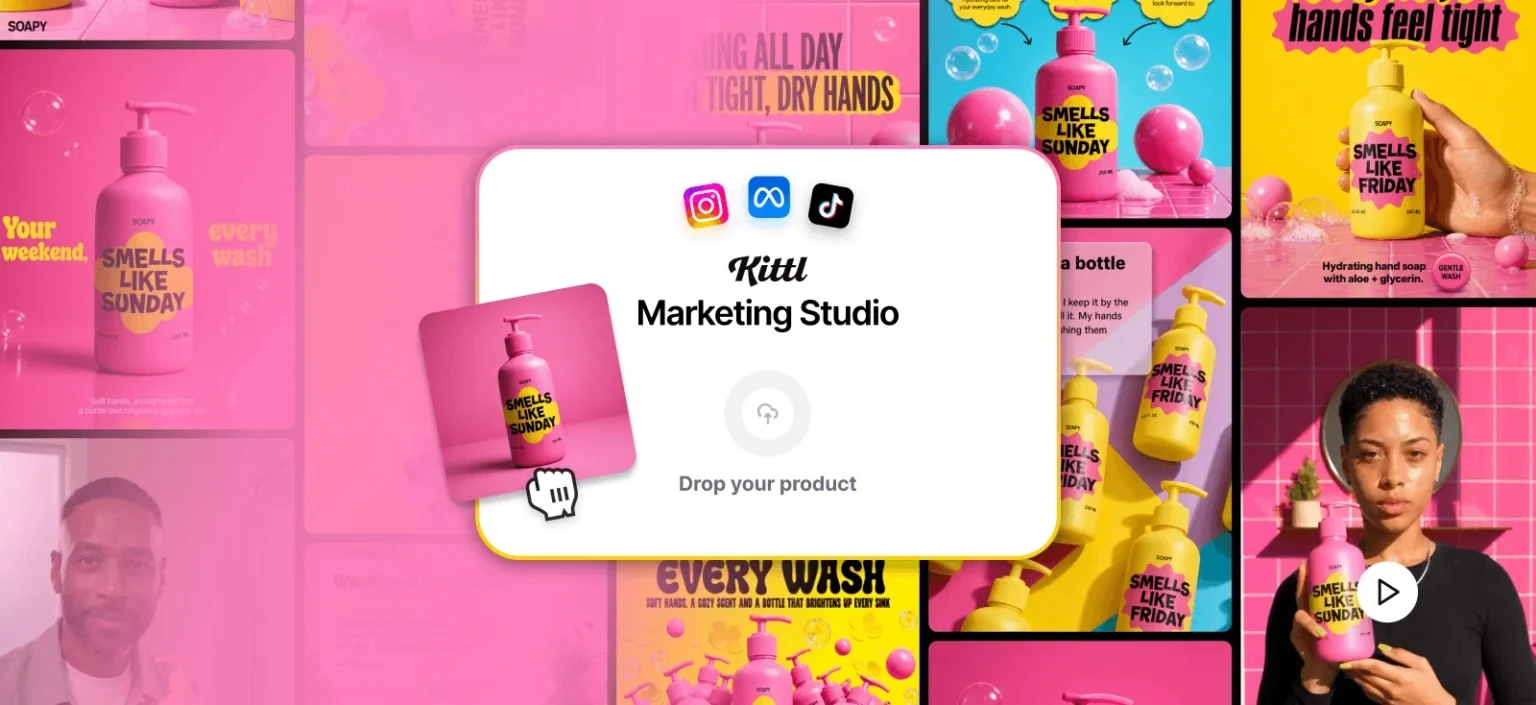
Inside the studio
Start with a layout that has a job.
Imagine you sell coffee online and want to run a weekend promotion on bags. You have one good product photo and an approved offer. You still need a feed ad and a Story. What usually slows that down is deciding what goes where, then catching the edits that fail to make it into every size.
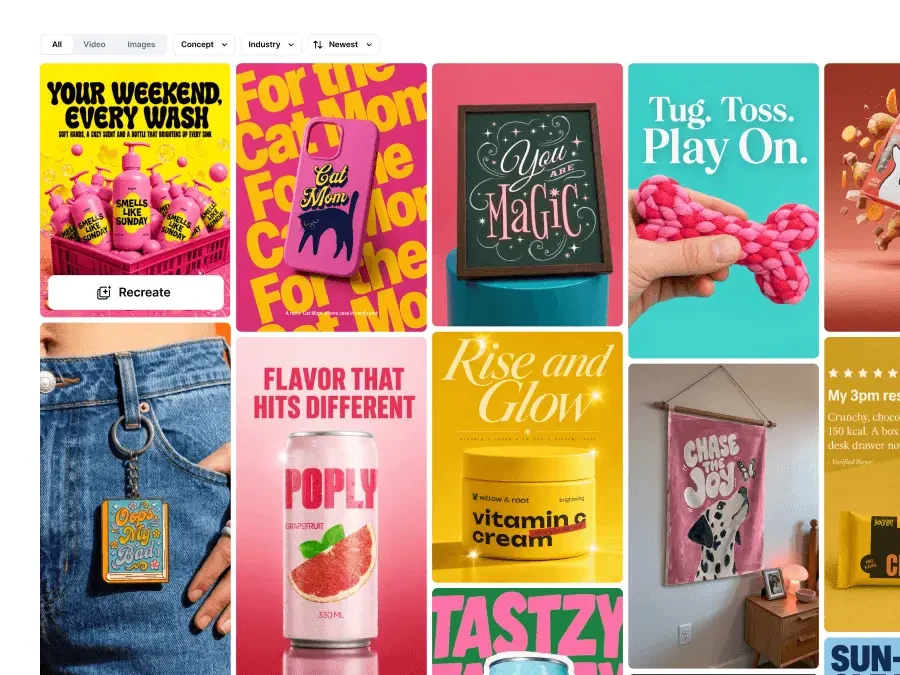
Kittl put Marketing Studio in the desktop Dashboard’s Marketing area in its November rollout. The gallery lets you filter example ads by format, industry or concept. Pick one, supply a product photo, and use Apply your brand if your colors, fonts and logo are already set up. Kittl’s launch guide describes separate steps for generation, editing and resizing. Generations use credits, with the cost shown before each run. Kittl’s launch guide.
Start with an example whose hierarchy already suits the offer. A composition built around a huge discount leaves space for different copy than a close-up product shot. The Brand Kit supplies a visual starting point. Keep the wording and eligibility in a separate offer sheet that you can check against each output.
Interactive editorial example
Read it like a customer.
Switch the format and compare the ad with the approved offer. Then show the reviewed version to see what a local edit can fix. This fictional campaign illustrates possible mistakes independently of Kittl.
A practical pilot
Make the first export boring.
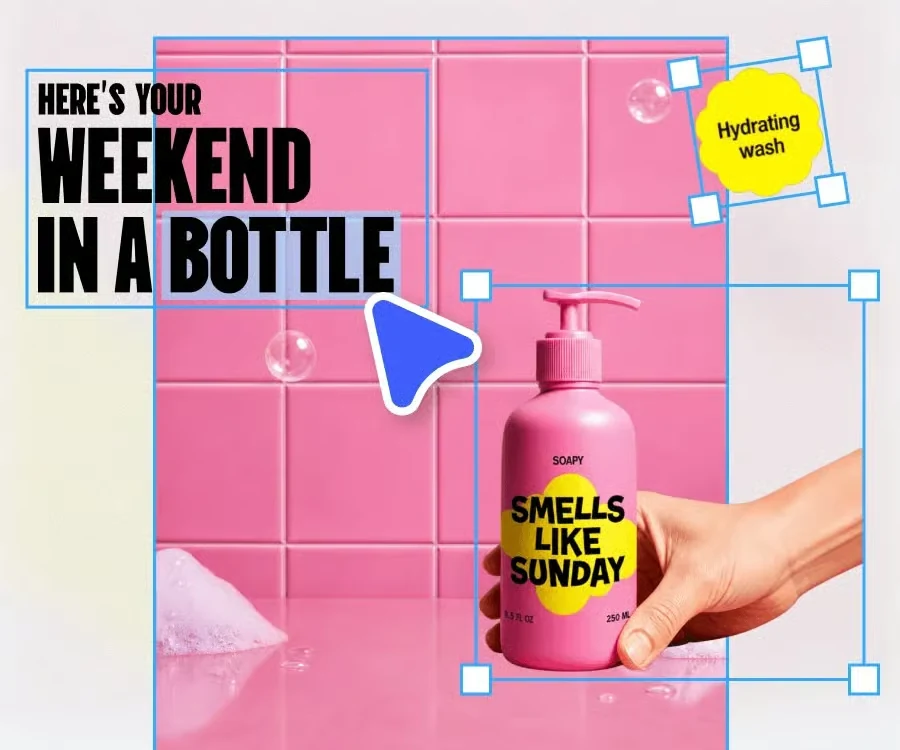
Start with one still ad. Keep the original photo and a plain-text offer beside the draft. Before you resize, try changing the deadline as text. Kittl’s workflow documentation describes Layerize as splitting an image into editable pieces. If the text arrives as an image fragment, replace it with a real text box. Inspect the product photo against the source for altered labels or packaging.
Check the cost of the second size. Compare resizing the approved design with manually duplicating an artboard. Use the same source photo and wording in both. For each route, record the time to an accepted export, the number of corrections and any credits used. Recheck the pricing language against the landing page. Two polished previews can carry different promises.
When I would use it
Let the gallery do the first pass.
Marketing Studio looks most useful for a small shop or lean creative team with a good product photo, an approved offer and several placements to deliver. It offers a starting point when a blank canvas is the expensive part. If the product label must stay exact or the campaign has tight copy restrictions, keep those elements under manual control and judge the tool on time saved after corrections.
The Illustrator AI Assistant Field Note looked at what a designer can still change inside an approved vector file. Kittl shifts that question downstream. Can another person release each format and make the same offer to every customer?
Evidence
What I checked
I reviewed Kittl’s public product materials and official images. I did not run a campaign in Marketing Studio. The proofing tool above is an original editorial example.
- Marketing Studio announcement · November 12, 2026
- Campaign workflow follow-up · November 16, 2026
- Product walkthrough and official imagery · checked November 16, 2026
- Dashboard workflows and Layerize · checked November 16, 2026
- Brand setup and application · checked November 16, 2026
- Kittl’s export guide · checked November 16, 2026