Can Apple’s smart glasses get your coffee order right?
Bloomberg reports that Apple wants Siri to book rides and place orders through apps on a paired iPhone. I’d judge the glasses by what happens when you change your mind halfway through.
Try the voice test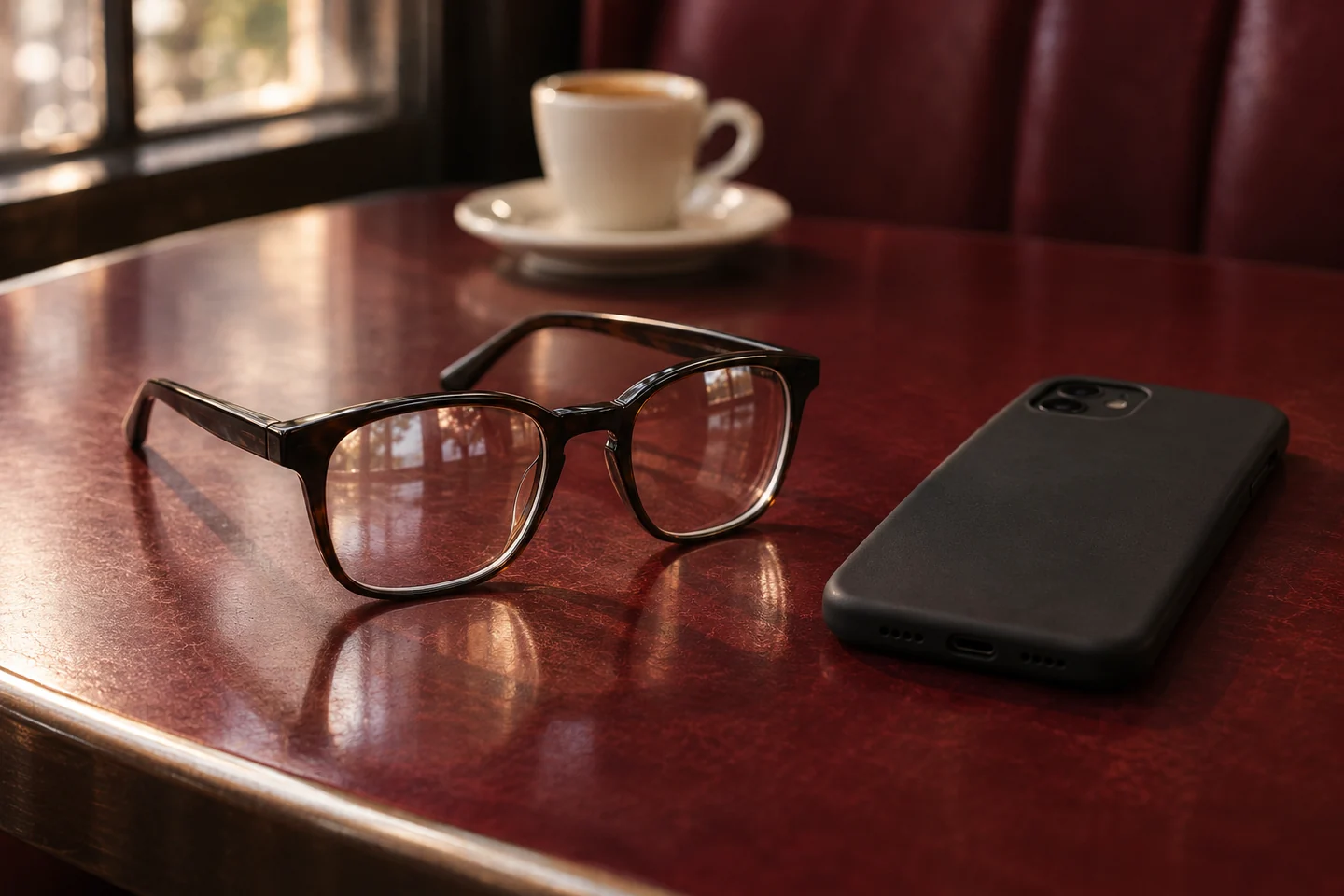
The iPhone does the app work.
Picture walking to the train and asking for your usual coffee from the shop by the station. Siri has to figure out which shop you mean, find your usual order and tell you what it’s about to buy. If you say “actually, make it decaf,” the change has to reach the same order.
In his November 15 Power On newsletter, Mark Gurman reported that Apple wants the glasses to give iPhone users access to the apps they already use. The apps would run on a paired iPhone. The closest mental model is CarPlay: the phone supplies the apps, while a different interface offers a selection of their features.
Gurman reported that Apple has aimed for a WWDC 2027 introduction and shipments later that year. Software delays have put both targets in doubt. The report describes prototypes slightly thinner than second-generation Ray-Ban Meta glasses and says Apple is prioritizing audio quality. I’d wait to hear how well the mics pick up a correction on a busy sidewalk.
- Available to developers
- Apple’s iOS 27.3 beta lets developers expose selected app actions and content to Siri AI through App Intents.
- Reported hardware plans
- A paired-iPhone design with Siri at the center. Apple’s developer announcement covers Siri integrations. The eyewear plans come from Bloomberg.
Change one detail before Siri commits.
Pick the task you’d actually do with your phone in your pocket. These are proposed tests for a future demo.
Run the same request on your iPhone. Count every time you repeat yourself or need to look at a screen. If a correction brings the phone back out every time, wearing the interface adds little.
Give Siri a job it can finish.
Apple’s preview gives iPhone app teams something to work on today. App Intents let developers pick the specific actions and content Siri can use. For a coffee app, I’d start by finding the saved order and returning a quote the customer can review. Then I’d work on updating that quote and handling a sold-out item before I let the flow submit a purchase.
Apple’s preview documentation says that custom requests generally need to name the app when it’s in the background. The docs describe exceptions, including an active Live Activity. Watch how that changes the way people ask. “Order my usual” feels effortless if Siri knows the service. On a noisy sidewalk, saying the service name twice may cost more attention than a quick tap.
The current developer preview can be tested on supported devices through a development build or internal TestFlight. Start there with one common request and a realistic correction. Then simulate a timeout after submission. Can the app tell Siri whether the order went through, and can it avoid creating a second one if the customer asks again?
Sources
- Bloomberg Power On: Mark Gurman’s smart glasses reporting · November 15, 2026
- The Verge’s summary of Gurman’s report · November 15, 2026
- Apple’s Siri AI Developer Preview announcement and artwork · November 3, 2026
- Apple Developer documentation on requests, App Intents and testing · checked November 16, 2026
- Apple’s overview of supported iPhone apps in CarPlay · checked November 16, 2026